

Most companies choose an AI vendor first and rebuild the contact center around that choice. Eight months later something faster launches, and nobody moves, because migrating means redoing the entire project.
That sequence is backwards. Choosing an AI engine for call center operations belongs after you settle how engines connect, not before.
In this guide, we look at why today’s leading model won’t hold that title for long, what separates engines once they are live, and a four-step way to pick one you can replace without pain.
Why the AI model you pick today won’t be the right one in a year
Pressure is part of the problem. Gartner found that 91% of customer service leaders are under organizational pressure to implement AI in 2026, in a survey of 321 service and support leaders. That pressure produces fast decisions about which model to buy and slow thinking about how it plugs in.
Meanwhile the distance between the leading models keeps shrinking. Stanford HAI’s 2026 AI Index found top models from six different labs sitting within roughly 25 Elo points of each other on public leaderboards as of March 2026, which moves the competition to cost and reliability.
Buying behavior followed. Menlo Ventures’ 2025 enterprise survey put OpenAI’s share of enterprise LLM spend at 27%, behind Anthropic at 40%, and Google’s at 21%, in a market where spending tripled in a year to roughly $37 billion.
This is where rollouts quietly die. A pilot proves the concept, a better model appears mid-build, and the team faces a choice between shipping something already dated or restarting. Many projects stall right there, and the postmortem blames AI rather than the architecture.
None of that makes your current shortlist wrong. It changes the question from “which model is best” to “what does it cost me to be wrong about this in nine months.”
If switching costs a weekend of configuration, model risk is a rounding error. If it costs a six-month replatforming project, you are choosing who owns your roadmap, and that is what vendor lock-in looks like from the inside.
What actually matters when comparing AI engines
Benchmark scores are the least useful column on the comparison sheet. Four things matter more, and only one of them shows up in a demo:
- Latency: Voice is unforgiving. A pause that reads as thoughtful in a chat window feels like a dead line on the phone, and callers either talk over the bot or hang up. Conversational AI also behaves differently in a live queue than in a sandbox, so measure the full round trip on your own telephony at peak load.
- Language coverage: Advertised language lists and real performance are different things. Test on your actual calls: regional accents, background noise, callers switching languages mid-sentence, and the product names people mangle. Written channels are easier than voice here, which is why many teams launch on chat first and add voice once accuracy holds.
- Cost at volume: Per-token pricing looks trivial until you multiply it by every call. Gartner expects generative AI cost per resolution to exceed $3 by 2030, more than many B2C offshore human agents. Reasoning-heavy models burn tokens quickly, so the cheapest engine per call is usually the one that knows when to stop and hand over.
- Compliance: Under the EU AI Act, transparency obligations have applied since 2 August 2026: people must be told when they are interacting with an AI system, with penalties reaching €15 million or 3% of worldwide turnover. Where audio gets processed, which region holds the transcripts, and how long they are kept are questions for legal before the pilot.
One more thing rarely appears on the sheet: what happens when the engine is wrong. An assistant that fails loudly and hands over is worth more than one that answers confidently and sends the customer away satisfied but misinformed.
The integration-first approach
Flip the order. Decide how AI connects to your contact center first, then treat the model as a component you can replace. The best AI for contact center integration is a question about the layer, not the logo.
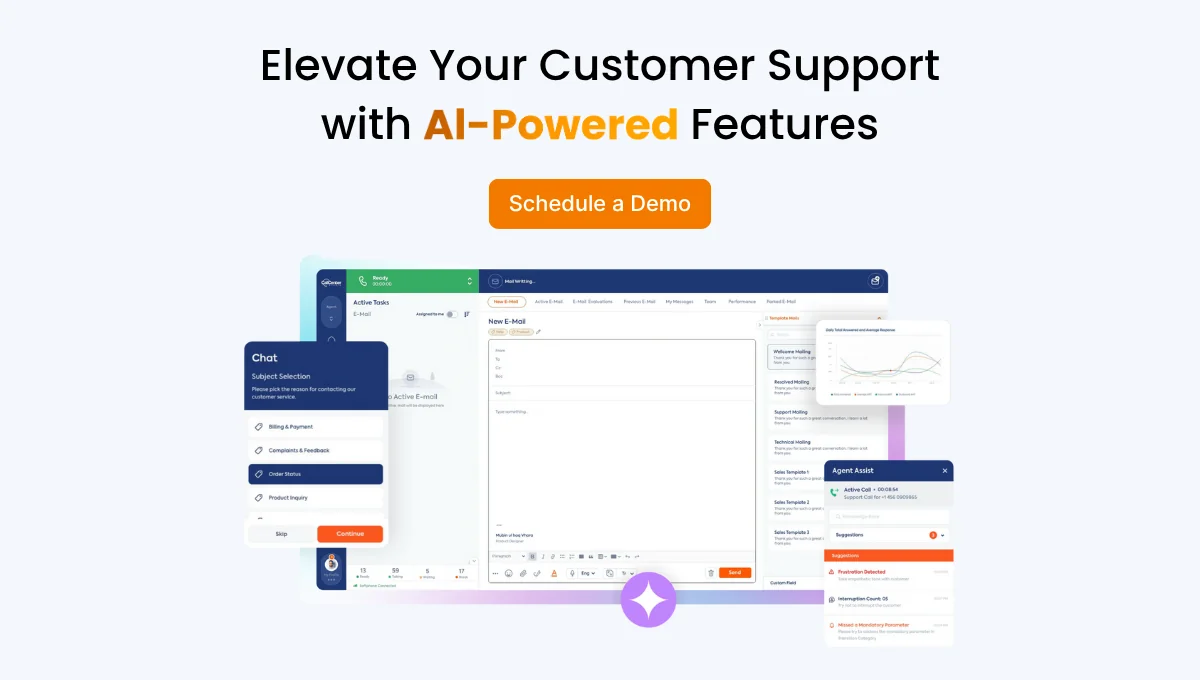
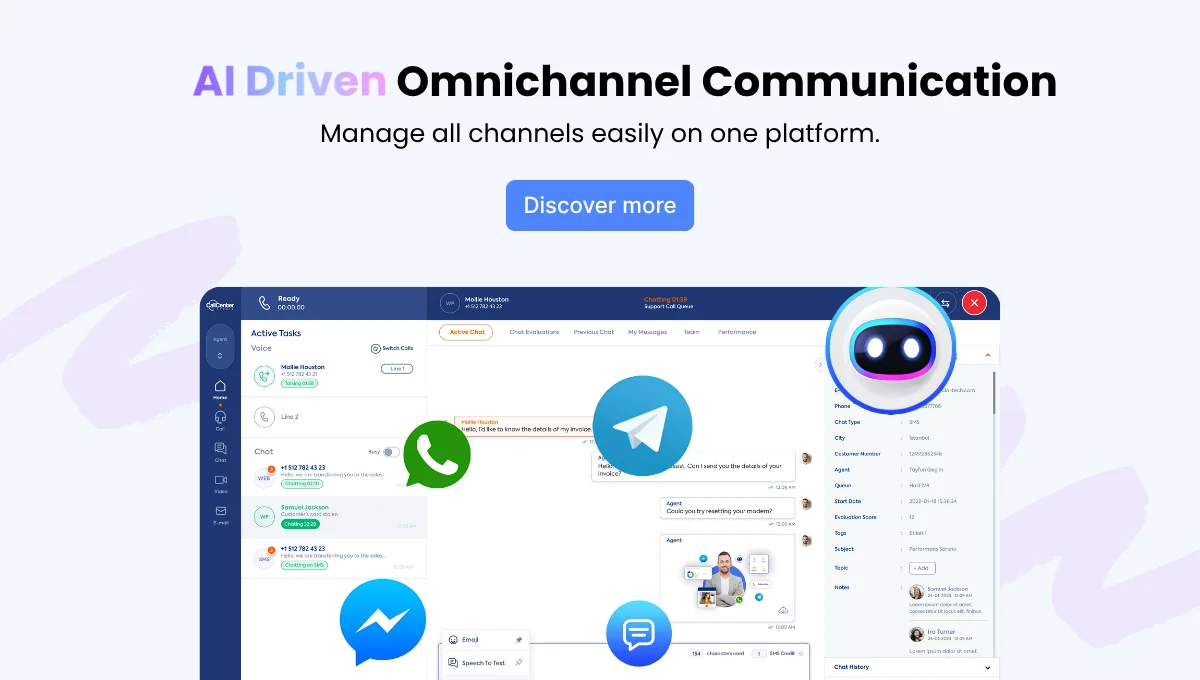
AI Connector sits between your call center and whichever assistant you want to run, whether that is ChatGPT, Claude, ElevenLabs, Vapi, a Dialogflow build, or a bot your own team wrote. Four things follow from that arrangement:
- Unlimited compatibility: Swapping engines is a configuration change rather than a rebuild, so trying a new release does not require a new project.
- A single screen: Call flows, assistant performance, and channel settings stay in one panel instead of scattering across vendor consoles.
- Your existing IVR keeps working: Touch-tone menus become intent-driven conversations without tearing out what you already paid for, and your self-service flows keep running underneath.
- Zero call loss: When a request is beyond the assistant, the call moves to the right live agent within seconds, carrying its full history and context.
The same bridge covers inbound and outbound voice alongside written channels, so an omnichannel operation does not need a separate integration per channel. Our guide to running voice, chat, and WhatsApp on one platform covers why that consistency matters for reporting as much as for routing.
For the wider picture, see how the AI contact center stack fits together, and, if you are mid-evaluation, how this approach differs from a traditional suite in Call Center Studio vs Genesys Cloud CX.
A practical 4-step framework for choosing (or switching) an engine
- Name the jobs before the model: Pull last quarter’s top ten call reasons and decide which three the AI owns end to end, and which it only qualifies before handoff. A model that nails order status and fumbles billing disputes is fine if you planned for it.
- Build the connection layer first: Get the bridge, the IVR handoff, and the escalation path working with any engine. This is the part that takes real effort, and the part you should only have to do once.
- Run a bake-off on your own calls: Point two engines at the same intents and compare containment, escalation quality, latency at peak, and cost per resolved contact on live traffic rather than vendor benchmarks. Keep a fixed set of fifty recorded scenarios so every future model gets judged the same way.
- Keep the exit cheap: Set a quarterly review with one question: if we switched engines this month, what would break? When the honest answer starts sounding expensive, you have drifted back into lock-in.
For IT directors who have already survived one platform migration, step four is the whole point. Switching AI models is cheap to plan for and expensive to retrofit.
See it side by side
The fastest way to settle the model debate is to stop arguing about benchmarks and run two engines against your own calls. See how AI Connector lets you test two AI engines side by side, on your existing IVR, without rebuilding anything first.
FAQ
Can I use more than one AI engine at once?
Yes, and it is often the smarter setup: a fast, inexpensive model on routine high-volume intents, a stronger one on complex or sensitive conversations. Because routing happens at the connector, the caller experiences a single assistant either way.
What if I switch providers later?
Switching means repointing the connector and retesting your flows rather than rebuilding your contact center. Keep prompts, intent definitions, and your evaluation set in your own repository instead of a vendor console, and most of the migration work disappears.