

A prospective client asks a question that was not in last year’s RFPs: Which AI are you running for us, and who manages it?
The old answer was headcount and hourly rate. The buyer already assumes those are competitive, and they are now asking about something the industry sold as a support function rather than a service.
Philippines BPO AI integration has become part of the pitch, and the outsourcers winning those conversations are the ones who can run different AI setups across client accounts without the client managing anything.
In this guide, we look at why multi-client AI delivery is harder than it sounds, what enterprise buyers are asking for now, and how to build the capability into a commercial pitch.
The industry has already changed its own yardstick
In July 2026, IBPAP revised its roadmap and cut its 2028 labor goal from 2.5 million workers to a range of 1.85 to 2.14 million. The catch: IBPAP now frames the target as 2 million AI-enabled workers, not just headcount. Revenue could still land anywhere between $43.3 billion and $50.5 billion, and where it lands mostly comes down to how well the industry actually pulls off that AI integration.
The industry isn’t starting from a weak position, though. According to IBPAP’s 2026 Industry Overview, 2025 brought in $40.3 billion in revenue and employed 1.89 million people. The Philippines now accounts for 17% of global IT-BPM headcount, up from 15% in 2022.
Where things actually fall short is AI maturity. At the International IT-BPM Summit, IBPAP said only 12% of Philippine companies are genuinely AI-mature right now, while more than 70% expect to reach that level by 2028. IBPAP’s CEO didn’t sugarcoat it either: the companies that win will be the ones that actually rework how they operate and build AI in alongside their people, not the ones putting on AI demos for show.
For a BPO, that 12% is where the business opportunity sits. Being in that group is a real edge today. Give it two years, and it’ll just be table stakes.
Why “just add AI” is harder for a BPO than for a brand
An in-house contact center picks one AI setup for one company. A BPO does not have that luxury, for five reasons:
- Every client has a different stack: One runs Salesforce, another a homegrown CRM, a third an ERP with a ticketing module bolted on. The integration work restarts with each account.
- Data cannot mix: Client A’s conversations cannot train, inform, or leak into Client B’s environment, and that has to be demonstrable rather than promised.
- Contract terms differ: One client mandates their own AI vendor; another wants you to choose; a third has a security policy that rules out two of the options.
- Margins are thin: A separate AI project per account, each with its own build and its own console, turns a service line into a cost center.
- Attrition works against you: Every setup that lives in one solutions architect’s head becomes a risk the day they resign.
It turns out that running five separate AI implementations for five clients is not a scalable capability. It is five projects wearing a trench coat.
What clients are actually asking outsourcing partners for now
For BPOs in the Philippines, the questions have shifted from capacity to capability, and four of them come up repeatedly:
1. “Can you run our AI, or do we manage that?”
Buyers want the vendor relationship absorbed. Managing an AI provider alongside a BPO contract is exactly the coordination work outsourcing was meant to remove.
2. “Can you use ours?”
Some enterprises have already standardized on an engine, often for procurement or data-residency reasons. A partner who cannot accommodate that loses the account before the pricing conversation.
3. “What happens when the AI cannot handle it?”
This is the question that separates serious buyers. Gartner found that 87% of customers consider access to a human agent essential when AI is used in service, and enterprise buyers know their brand carries the cost of a bad handoff.
4. “Show us the numbers.”
Containment, escalation quality, and cost per resolved contact are reported per account rather than as an agency-wide average.
Notice that none of these are about price. They are about whether you can operate someone else’s technology decisions without making them supervise the result.
How AI Connector solves these problems
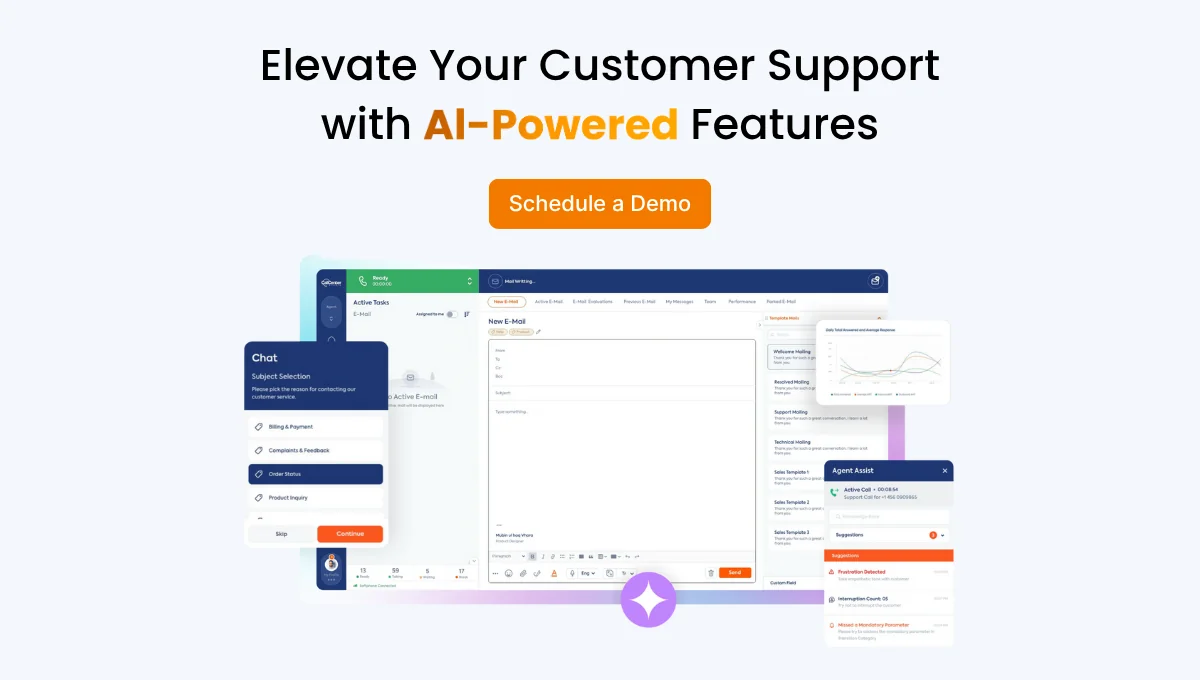
The common thread in the five problems above is having to stand up a separate AI project for every client. AI Connector removes that requirement by turning the project into a setting and gives you a straight answer to every question buyers are asking: whose AI is running, who manages it, what happens when it can’t help, and what the numbers look like per account. Now, let’s see how AI Connector operates in action.
- One panel for all engines. AI Connector bridges your own AI solution or third-party providers like OpenAI, Google Dialogflow, Microsoft Azure, Vapi, or ElevenLabs, and custom bots a client has built themselves, all through the same connection point. One client is running their own OpenAI tenancy, another is where you’re recommending the engine, and a third whose procurement policy mandates a specific vendor: all of it lives in the same system, as a per-account choice rather than a new integration build.
| Account | Engine choice | Configuration | Who manages it |
| Client A
(retail, US) |
Client’s own OpenAI tenancy | Order status, returns, WISMO | You, inside their tenancy |
| Client B
(telecom, EU) |
Vendor mandated by procurement (Azure) | Billing queries, outage status | You, to their policy |
| Client C
(insurance, PH) |
Engine you selected (ElevenLabs) | Claims triage, appointment reminders | You, end to end |
Three accounts, three engines, one panel. Adding a fourth client doesn’t mean opening a new project, but adding a row.
- Contract terms and vendor mandates: flexibility without lock-in. Because the system is engine-agnostic, the choice of which AI to run sits with you or the client, and switching later is straightforward. That’s what lets you keep a procurement-driven account without losing it before the pricing conversation even starts.
- Thin margins: one screen, not one console per client. There’s no separate panel to learn for each account. All AI interactions, call flows, and reporting run through the same interface. Supervision cost stays flat as accounts are added, which is what turns AI-augmented delivery into a priced line item instead of overhead.
- The fallback risk: a clean handoff to a human. When the assistant can’t resolve a request, the call moves to the right agent within seconds, full history and context intact, and that happens the same way on every account, under the same standard. It’s a direct answer to the question serious buyers actually ask: what happens when the AI can’t handle it?
- Attrition risk: the setup doesn’t live in one person’s head. Because the configuration sits in a shared panel rather than with a single solutions architect, an account doesn’t become fragile just because someone leaves.
None of this requires touching the client’s existing IVR either: AI Connector turns “press one for billing” menus into intent-understanding assistants and runs the same way across voice and written channels (WhatsApp, live chat, and others), which shortens onboarding for accounts that arrive with legacy setups already in place.
See it across accounts
Multi-client delivery works when adding an account is a configuration, not a project. As more enterprise buyers put AI on the RFP checklist, that difference is what decides which Philippine BPOs win the account and which lose it before the pricing conversation even starts.
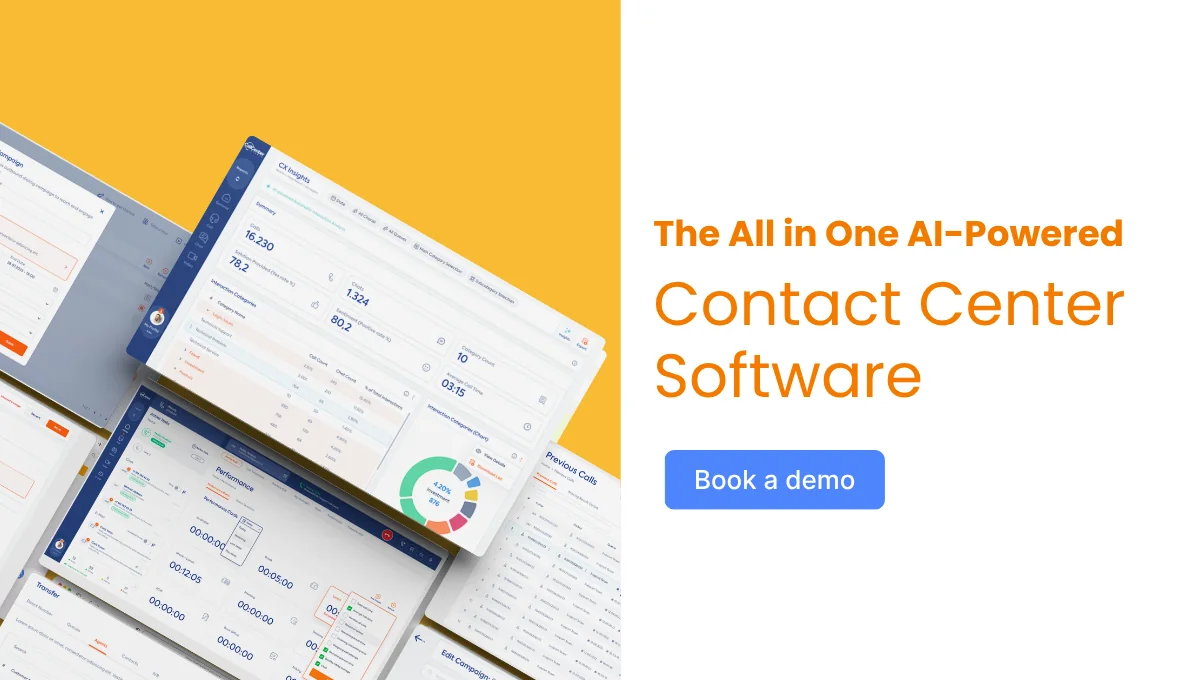
See how Call Center Studio AI Connector supports multi-client AI delivery, with a different engine per account and one panel for your supervisors.
FAQ
Do different clients need different AI engines?
Often, yes. Some enterprises mandate their own engine for procurement or data-residency reasons; others want a recommendation, and language or vertical requirements vary enough that one engine rarely fits every account. The capability to run several from one panel is what removes the argument.
How does this affect margins?
It depends on whether each account needs its own build. Running a separate implementation per client adds cost with every new logo; running them as configurations on one platform keeps supervision and reporting flat, which is what turns AI delivery into a priced service rather than overhead.
Does client data stay separate across accounts?
Yes. Each account’s configuration — engine, conversation history, and reporting — is scoped to that client. Running multiple engines from one panel doesn’t mean pooling data between them; it means managing separate, isolated setups from a shared interface.
Do we need to rebuild our clients’ existing IVR or systems to use this?
No. AI Connector works with the IVR structure a client already has, converting existing menus into intent-understanding assistants rather than requiring a rebuild. That’s part of what shortens onboarding for accounts that arrive with legacy configurations already in place.