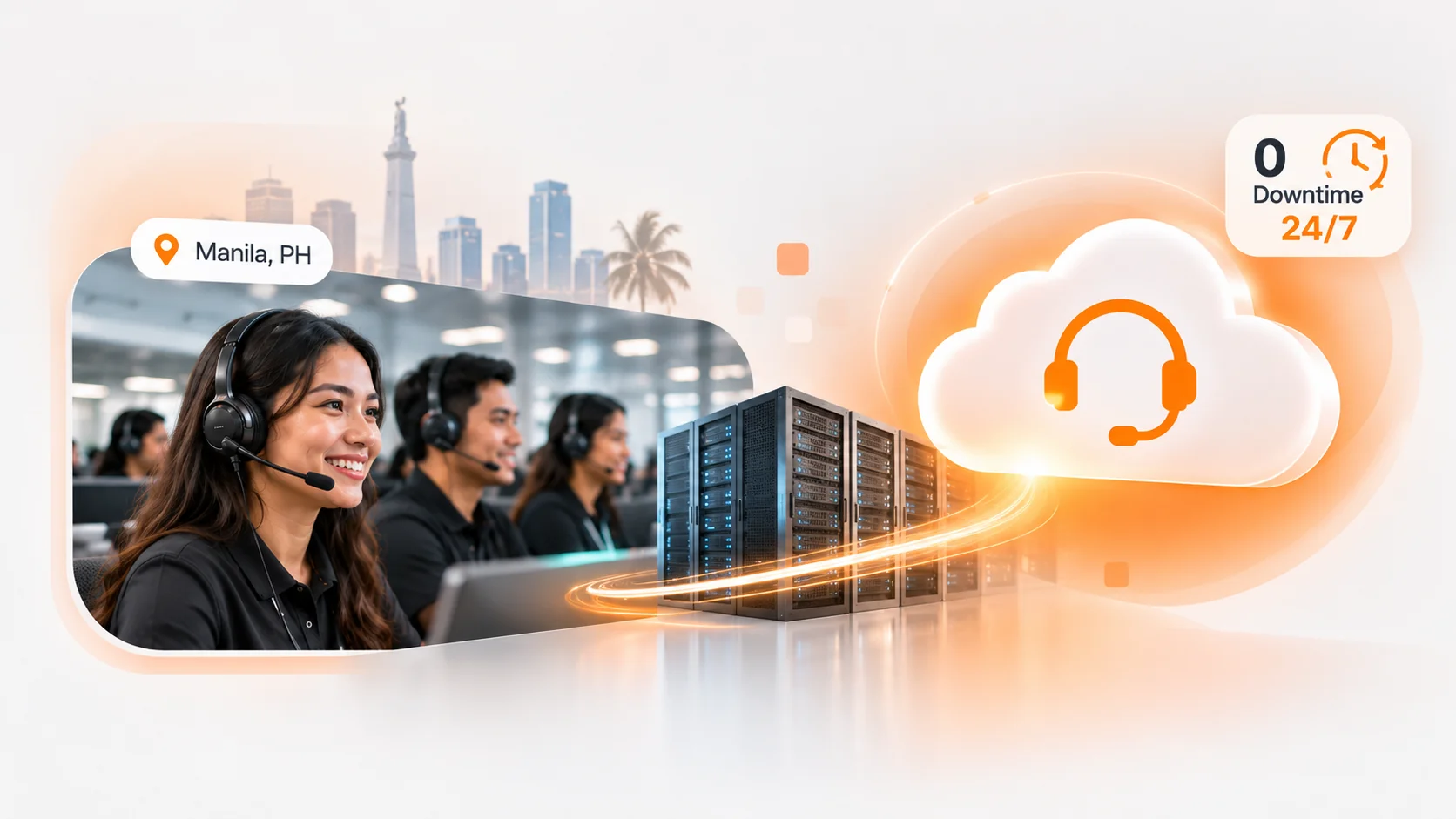
It’s 2 a.m. in Manila, Black Friday in the US. The on-prem system drops calls on your biggest retail account, and the incident report lands on your desk.
So you start searching for the best CCaaS to replace legacy contact center software for a BPO in the Philippines. (CCaaS is contact center as a service: the platform runs in the cloud, not in your server room.)
Two facts apply at once. Legacy can’t scale the way your clients need. And switching platforms mid-peak is a risk no client will accept.
The plan in four moves:
- November: log every peak failure.
- December: freeze changes and plan.
- January onward: migrate site by site, with a parallel run.
- New sites: start them on the cloud from day one.
Start with the audit you’re already running.
Use Black Friday as Your Legacy Audit
Every outage and capacity ceiling this month is evidence for next year’s business case. Don’t let it disappear into incident tickets nobody reads in January.
Keep a simple peak log with four columns:
- What failed. Dropped calls, a frozen dialer, recordings that didn’t save, a report that took hours to run.
- When and where. Date, shift, site, and client account.
- Impact. Calls lost, SLA minutes missed, client escalations.
- Workaround. What your team did to keep going, and how long it took.
Add one more line for capacity. Every time you couldn’t add agents or lines fast enough for a client spike, write it down. On-prem systems tend to cap growth at whatever hardware you bought.
✔️ Log entry: by December 1, you should have a dated list of failures, each tied to a client. That list is your business case.
Why You Shouldn’t Migrate During Peak
Here’s the tempting thought: “The system is failing now, so let’s switch now.”
Resist it.
A mid-peak migration puts your largest clients’ busiest weeks on a system your agents learned yesterday. If anything goes wrong, it goes wrong on Cyber Monday.
Instead, run a change freeze through the holiday season:
- No platform changes on live client queues until volumes settle in January.
- Patch only what’s needed to stay stable.
- Plan in the meantime: vendor demos, requirements, a site-by-site schedule.
Clients tend to welcome that restraint, and some already run a similar freeze on their own systems. Ask them. It’s an easy alignment win.
✔️ Next step: write the freeze dates into your client calendars now, so nobody asks for a “quick change” in mid-December.
Migrating a Manila BPO Without Downtime
Zero downtime doesn’t come from a vendor promise. It comes from the plan.
A safer sequence for migrating an on-prem contact center to the cloud without downtime:
- Pick the first site and account. Start with a mid-sized client whose volume is stable in Q1.
- Get the client’s sign-off. It’s their program. Share the schedule and the rollback plan before anything moves.
- Set up in parallel. Build queues, IVR, and integrations on the new platform while the old one keeps running.
- Run both. Move a small group of agents first and compare call quality, reporting, and recordings side by side.
- Cut over in stages. Shift the rest of the account in waves, with a rollback plan for each wave.
- Repeat by site. Move the next site only after the first has run cleanly through a full reporting cycle.
Running two systems for a while has a cost, so check what the new one adds on top. Call Center Studio charges no additional fees for training, implementation, integration, updates, or maintenance.
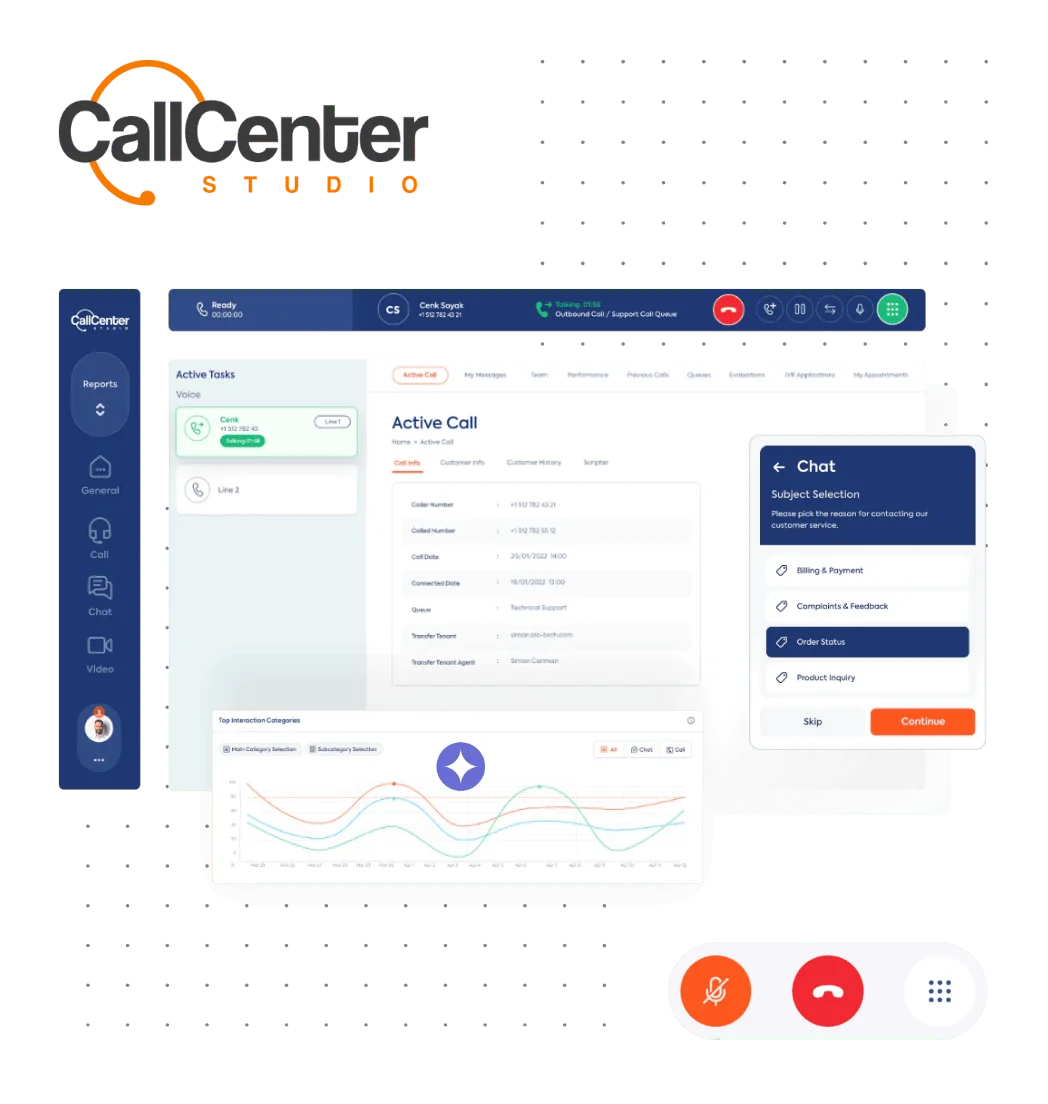
What you get on the new side: our contact center software includes IVR, call recording, monitoring, CRM integration, and reporting on call volume and agent performance. The BPO platform is built on Google.
And the 2 a.m. problem? A cloud contact center keeps service running during outages through automatic backups and recovery. For the case against more hardware, see why you should stop buying servers.
✔️ Next step: number porting and cutover timing are questions for your vendor in writing, before wave one.
Already keeping a peak log? Bring it and talk to an expert about your first wave.
Start New Provincial Sites on the Cloud
Opening a site outside Manila next year? You wouldn’t be alone: in October PEZA was pitching the Bicol Region to IT-BPM investors.
Whatever you do, don’t extend the on-prem system to the new site. That’s buying more of the thing you’re trying to leave.
A cloud site needs no on-site hardware, and agents can work from virtually anywhere. The platform scales up or down with demand, so a site that opens with a small team pays for a small team.
New sites also need quality from the first week, when most agents are new. Two things help:
- CX Quality evaluates 100% of interactions with AI scoring against your criteria and sends real-time alerts for compliance risks.
- Real-time KPIs and quality metrics let you show a client that the new site matches Manila.
That proof matters in sales, as we covered in why quality reporting is a Philippine BPO’s best sales tool.
✔️ Next step: treat the new site as your first cloud site. It has nothing to migrate.
What to Ask When Replacing Legacy Software
The best CCaaS for a Philippine BPO is the one whose team can answer these questions with your own incidents in front of them. Bring your peak log to every vendor meeting, and ask:
- How do you handle a parallel run? Who supports both systems during the overlap?
- Can we keep our phone numbers? Porting depends on your carrier and local rules. Ask how it works and how long it takes in the Philippines.
- What happens to old recordings? Clients may require you to keep them. Ask how legacy data stays accessible after cutover.
- What happens during an outage? Ask about backups, recovery, and support hours.
- What’s included in the price? Training, implementation, integration, and maintenance, in writing.
- How much guidance do we get? Call Center Studio offers full guidance and best-practice sharing. Ask every vendor what that means in hours and people.
- How does it compare to staying on-prem? Our breakdown of cloud vs. on-premise contact centers covers the trade-offs, including when on-prem still fits.
✔️ Log entry: score each answer against your peak log. A vendor who can’t explain how they’d have handled your three worst incidents hasn’t earned the migration.
Back to That 2 A.M. Report
This year, it goes in the log. Next year, it shouldn’t need writing.
Peak season is your audit. Plan your post-peak migration with an expert, and bring your log.
FAQ
How long does it take to migrate a BPO contact center to the cloud?
Plan by site, not by days. Account setup on Call Center Studio can start in as little as 10 minutes, but most of the time goes into the parallel run and the staged cutover. The total depends on the number of sites, accounts, and integrations.
Can we migrate without downtime?
Yes, with a parallel run. Keep the old system live while the new one is set up, move a small agent group first, then cut over in waves with a rollback plan for each.
Do agents need retraining after a migration?
Some, yes. Agents need to learn a new interface, even if their daily workflow stays the same. Plan short sessions for each wave instead of one long course, and let agents from the parallel run coach the next group. Before you sign, ask each vendor what onboarding support is included.