
WhatsApp or Live Chat?
Nobody made a bad decision here. The two channels suit different behaviors and different moments in the journey.
In this guide, we look at what actually separates them, when each one earns its place, and how to run both without splitting your team or your reporting in half.
The Core Difference
Live chat is synchronous and lives on your website. The customer is present, the session is open, and when they close the tab, the conversation is over. It works because both sides are there at the same time.
WhatsApp is asynchronous messaging and lives on the customer’s phone. They send a message, put the phone down, and come back four hours later to a reply. Nothing ends when they walk away, and that single distinction drives everything else.
- Identity: Live chat visitors are usually anonymous until they tell you who they are. A WhatsApp contact arrives with a phone number, which often maps straight to an existing customer record.
- Continuity: A chat session starts empty each time. A WhatsApp thread holds months of history that both sides can scroll back through.
- Reach after the conversation: You can’t message a live chat visitor tomorrow. You can message a WhatsApp contact, within the platform’s rules on templates and service windows.
- Expectation of speed: A chat window implies someone is waiting. A message does not, which is exactly why it is easier to staff.
There is also a question of where people begin. Gartner found in 2025 that more than half of customer service journeys now start on third-party platforms, rising to 74% among Gen Z.
A widget, by definition, only works for the people who make it as far as your site.
Meanwhile, the messaging habit is established: Meta reported in June 2026 that there are more than a billion active threads with businesses each day across WhatsApp, Messenger, and Instagram.
When Live Chat Wins
Live chat is underrated for one specific job: helping someone who is on your site right now, deciding whether to buy.
- Pre-purchase questions: Sizing, compatibility, delivery dates, whether the warranty covers a particular case. The answer needs to arrive inside the browsing session, or the sale cools.
- Anonymous visitors: People researching before they commit will not hand over a phone number. Chat lets them ask without identifying themselves.
- Screen-bound tasks: Anything where the agent needs to talk about what the customer is looking at, including checkout errors and form problems.
- B2B and desktop-heavy audiences: Buyers working on a laptop all day often prefer to stay in the browser rather than reach for a phone.
The website chat widget also carries information a message never will. You can see which page the visitor is on, what they searched, and what sits in the basket, which shortens the diagnosis considerably.
When WhatsApp Wins
WhatsApp suits the relationship that continues after the transaction.
- Order and service follow-ups: Delivery changes, appointment reminders, service updates. These need to reach the customer later, which a chat window cannot do.
- Known customers: When you already have the number, there is no identification dance at the start of every conversation.
- Anything with photos: A damaged item, a meter reading, a document. Both channels handle images, but customers reach for their camera roll far more naturally in a messaging app.
- Markets where messaging is the default: In much of Latin America, the Middle East, Southeast Asia, Turkey, and southern Europe, a phone number that doesn’t accept WhatsApp reads as a company that is hard to reach.
The proactive side is where the difference becomes obvious. Reminders, order updates, and service notices belong in a channel the customer keeps, which we covered in detail in using WhatsApp for reminders and proactive support.
Conversations that begin in WhatsApp also escalate cleanly. A customer who sends three messages about a failed delivery can be called back in the same thread rather than being told to ring a number, an approach we looked at in WhatsApp voice integration.
Running Both Without Fragmenting Your Team
Most companies end up with both, and the trouble starts in how they are staffed and measured rather than in the channels themselves.
The usual failure is two separate tools: chat in a widget console, WhatsApp on a phone, or a second platform. Agents alt-tab between them, nobody knows the real workload, and the same customer gets two different answers.
| Live chat | ||
| Rhythm | One session, agent stays present | Long-running, agent picks it up and returns |
| Concurrency | 2-3 conversations at once | Far higher, because replies are spaced out |
| Right SLA | First response in seconds | First response in minutes, resolution over hours |
| Staffing model | Cover the hours the site is busy | Cover the day, with clear out-of-hours messaging |
Three things make the combination work in practice.
- One agent workspace: Both channels in the same screen, with the same contact history attached, so a customer who chatted last week and messages today doesn’t start from zero. An agent workspace split across two tools guarantees the opposite.
- Unified reporting: Volume, response time, and resolution measured across channels rather than in two dashboards with different definitions. Otherwise, the channel with the better-looking numbers wins the budget, regardless of which one customers preferred.
- Routing rules that respect the difference: Chat needs someone available now. Messages can queue for the right skill, as we set out in bringing IVR and smart routing to WhatsApp.
Concurrency targets deserve their own note. An agent who can hold three chats cannot hold three chats plus fifteen open WhatsApp threads with the same attention, so plan the mix rather than the headline number.
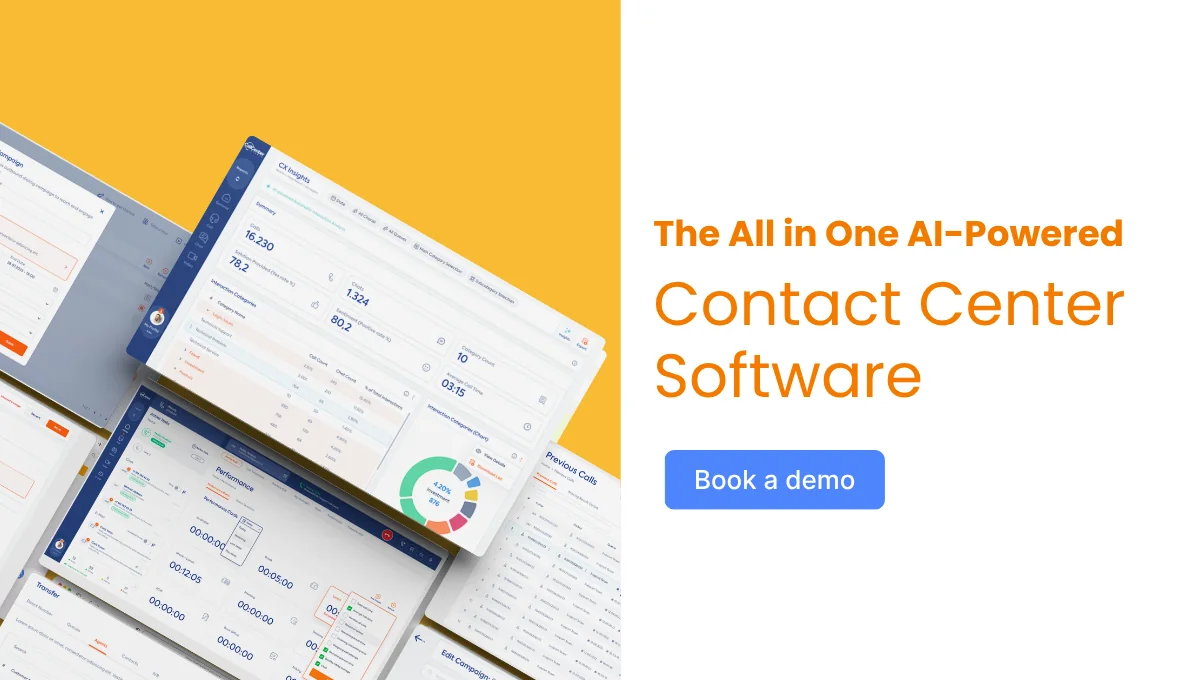
The wider setup, including voice alongside both, is what an omnichannel contact center is supposed to deliver. The test is simple enough: can one agent see everything this customer has ever sent you, in one place?

See How WhatsApp and Live Chat Work Together
The channel question is rarely about which one is better. It is about which one your customers already use for the kind of conversation they are trying to have.
Book a demo to see how WhatsApp Business and live chat run in a single workspace, with one view of the customer and one set of numbers behind both.
FAQ
Can we offer both without confusing customers?
Yes, as long as each channel is offered where it fits. Put chat on product and checkout pages for people mid-decision, and publish your WhatsApp number on order confirmations, invoices, and support pages where follow-up questions happen.
Which should we build first if we can only do one?
Look at where your customers already are. If most contacts follow a purchase or a service relationship, and your market uses messaging heavily, start with WhatsApp; if most questions arrive from anonymous visitors during browsing, start with live chat.
Do the two channels need different response time targets?
Yes. Live chat should be measured in seconds because the customer is sitting there waiting, while WhatsApp is judged on a reply within a reasonable window and a clear resolution. Applying chat targets to messaging usually just inflates staffing.
Does WhatsApp replace phone support?
For most teams, it reduces call volume rather than replacing it. Simple status and logistics questions move to messaging, while complex, emotional, or contested issues still belong on a call, which is why the handoff between the two matters.
Can the same agents handle both channels?
Usually yes, with realistic concurrency limits. The workload behaves differently, so a mixed queue works best when one tool shows both channels and supervisors can see the true load rather than two partial pictures.